MARMOT
 Aim Trainer Unblocked — Practice Anywhere
UnblockedFree3 modesNo download
⭐ Want the full version with all modes? Play Aim Trainer.
What is Aim Trainer Unblocked?
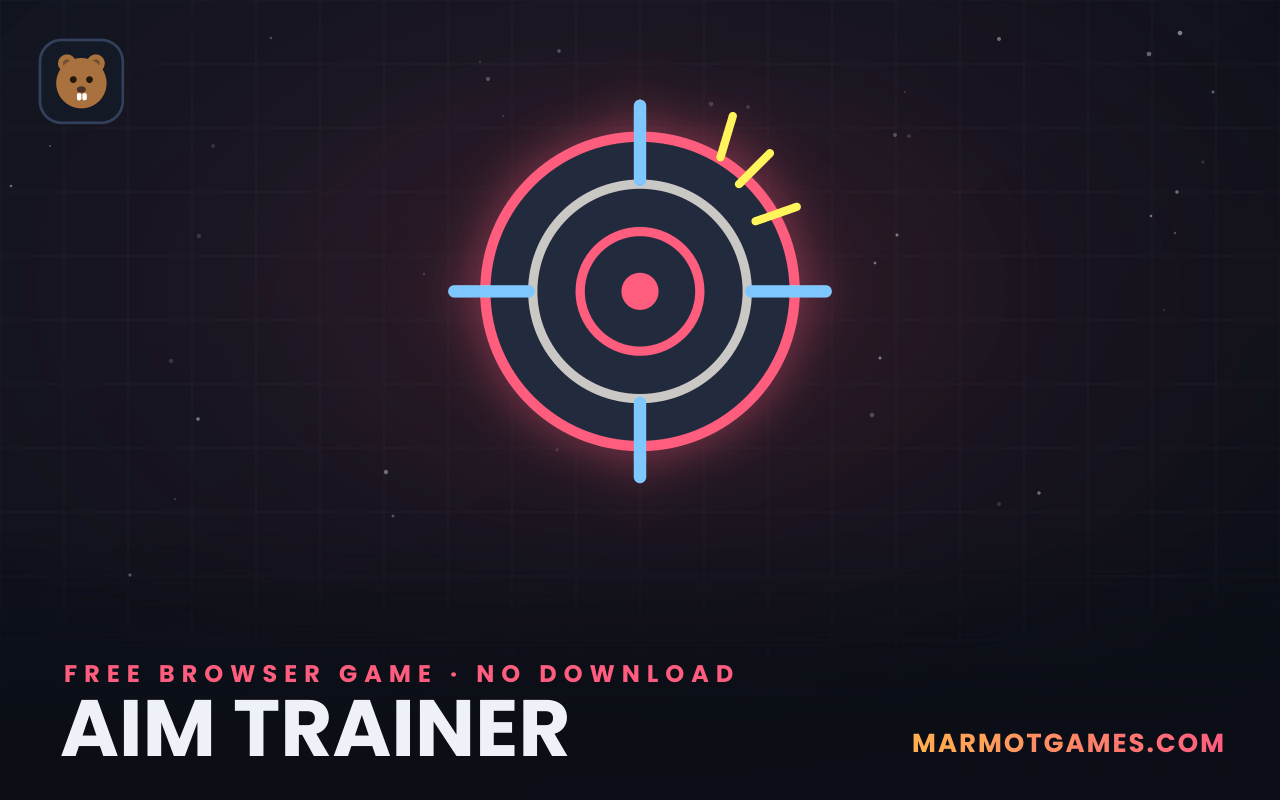
This is the aim trainer unblocked edition: full target practice — three modes, accuracy stats, personal bests — in a page light enough to load on school and office networks that block most gaming sites. It's a plain static web page with one small script: no downloads, no Flash, no external game embeds, no account. That's the whole trick, and it's why it runs happily on a locked-down Chromebook. Practice your flicks between classes; your stats and best score stay on your device and sync with the main aim trainer.
How to play
- Choose Classic, Shrink (targets shrink away) or Precision (small targets, double miss penalty).
- Press Start for a 30-second run.
- Click targets fast and clean — faster hits score up to 130 points, misses subtract.
- Chase your accuracy percentage as hard as your score; both are on the stat row.
Tips & tricks
- Trackpad? Tap-to-click beats physical clicks for speed; anchor your wrist and aim with your fingertip.
- Big screen advantage: if you're on a school monitor, sit back — full-arm mouse movements are more accurate than wrist flicks.
- 30-second discipline: one run per mode per day builds real improvement; marathon sessions just build bad habits.
- Warm up your reflexes first with the CPS test unblocked, then come back and watch your average ms drop.
FAQ
Why does this aim trainer work at school?
Because it's a plain static web page with one small script — no downloads, no plugins, no launcher, no account wall. To a network filter it looks like an ordinary website, and on old Chromebooks it stays smooth because there's simply not much to load.
Is aim trainer unblocked the same game as the main aim trainer?
Identical engine, all three modes, same scoring — and your best score is shared between both pages automatically, so records set at school still count at home.
Will my scores be saved on a shared computer?
Scores save to the browser's local storage on that machine. On a shared or school computer, they stay there (and could be seen by the next user) unless you clear site data — nothing is uploaded to us either way.