MARMOT
 Scream Jump — the Voice Controlled Scream Game
Voice control 🎤FreePhone friendlyMic optional
What is a scream game?
Scream Jump is a scream game: your microphone is the controller and volume is altitude. Hum and you hover; talk and you climb; commit a full-throated scream and you rocket upward past obstacles, collecting near-miss bonuses for shaving past hazards. It reads only your mic's live loudness level — on your device, never recorded, never uploaded — and there's a hold-Space / hold-screen fallback for the mic-less and the shy. Ten seconds to learn, one neighbor complaint to master, free in your browser.
How to play
Allow the microphone, then make noise to fly: scream, hum, sing — louder means higher, silence means you fall. Fly close to a pillar's edge for a near-miss bonus (+3). In a library or it's 2am? No mic needed: hold Space or hold your finger on the screen to fly instead.
This game is at its funniest with friends in the room — pass the phone, then hit Challenge a friend to send your distance. Your audio never leaves your device: the game only reads volume level, records nothing, uploads nothing.
Tips & tricks
- Control beats chaos: a steady loud hum outflies repeated shrieks — save the scream for emergencies.
- Ride the meter: watch the volume bar bottom-left and learn where YOUR voice maps to lift.
- Chase near-misses deliberately — grazing obstacles is bonus points, and terror is content.
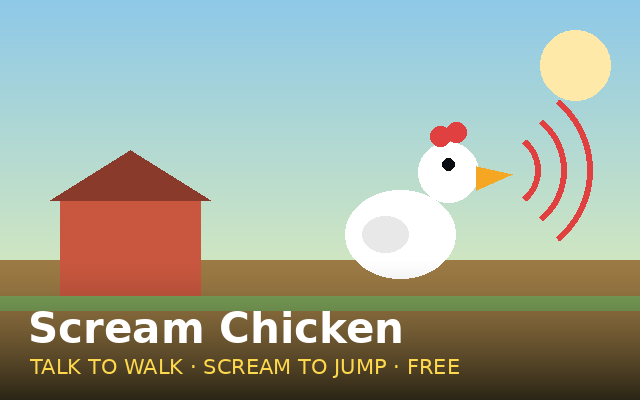
- Louder still? Scream Chicken adds fences, a chicken, and cardio to the scream game formula.
FAQ
Does Scream Jump record my voice?
No. The game reads your microphone's volume level in real time, entirely on your device. Nothing is recorded, stored or uploaded — mute the tab and check your network panel if you're curious.
Can I play without a microphone?
Yes — hold Space (or hold your finger on the screen) to fly instead. The mic version is funnier, but the fallback plays identically.
The game isn't reacting to my voice — why?
Check that your browser got mic permission (look for the mic icon in the address bar), and watch the volume meter bottom-left: if it barely moves, get closer to the mic or get louder. We believe in you.